

Prisoners,
A midnight ritual in the catacombs? Someone’s going to have to investigate. We’ve nominated you.
Our Halloween update is live, bringing a limited-time quest and new rewards alongside fixes for grass coming through base floors, harvesting, fishing and more.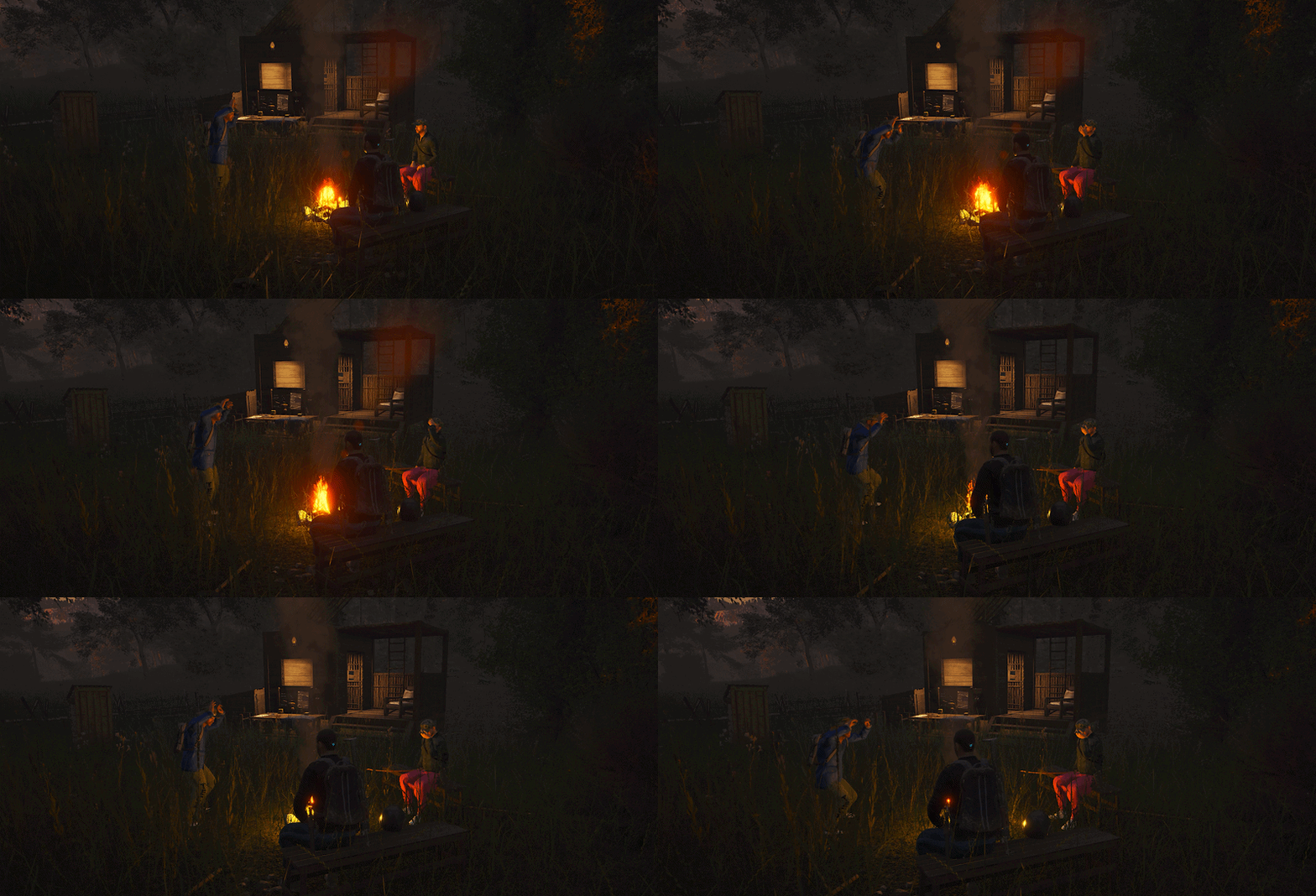
As announced in the preview, this update includes a partial wipe across official servers. Your retained character keeps their attributes, skills and gold. Bases, gear, supplies, Fame Points and quest progression have been reset.
Cash, both carried and banked, has been cleared. Only money converted into gold before maintenance carries over on your retained character.
Private and community servers are unaffected by this official-server wipe.

Our limited-time Halloween event is here, and your local General Goods trader has a job for you. Something needs recovering from the catacombs, and they’re happy to let you handle it.
Visit any General Goods trader to get started, then head for the Island’s newly decorated graveyards. Expect some questionable cooking, a midnight ritual and a few reasons to regret disturbing the dead.
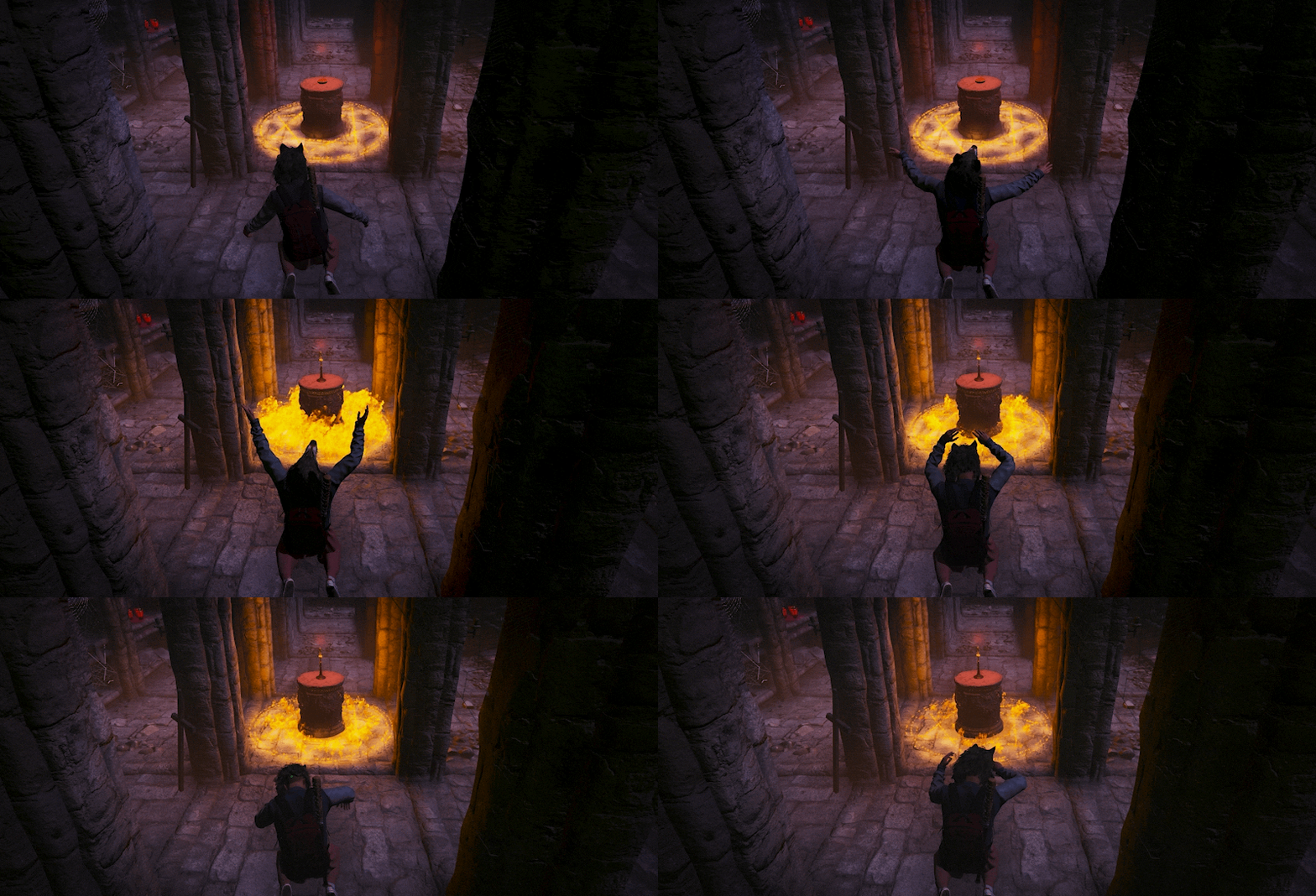
The ritual can be performed between 00:00 and 04:00 in-game time. Bring back what it conjures to complete the quest. Bring enough ammunition to get yourself back out too.
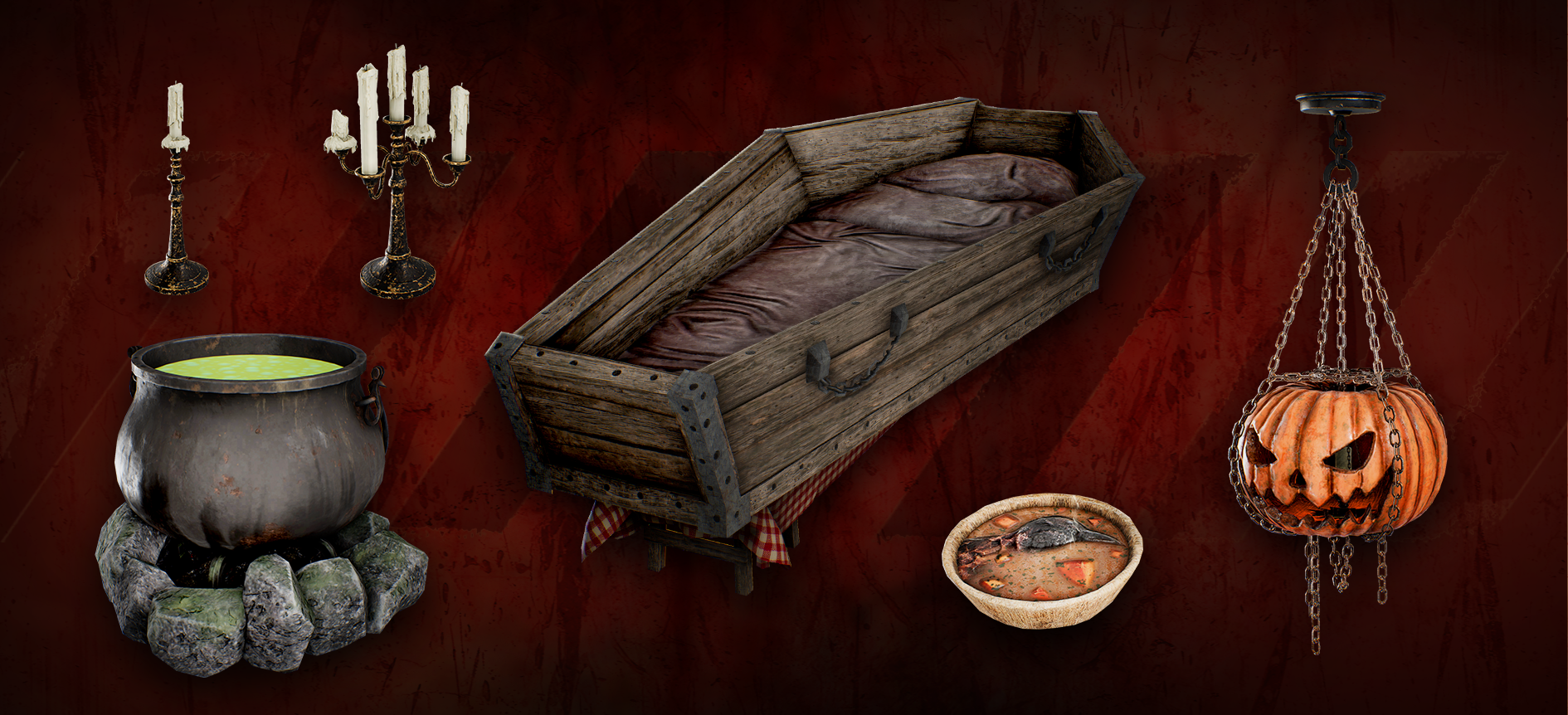
You’ll unlock a Coffin Bed, Hanging Jack-o’-Lantern, Candleholders and a Cooking Cauldron. We’ll leave the decorating to you.
While the graveyard cauldrons are active, anyone can use them to cook Corpse Soup. You can even eat it, with nutritional values based on what goes into the pot. Best eaten with your eyes closed.
The Halloween event runs until the end of November.

Alongside the Halloween quest, this update addresses several familiar frustrations:
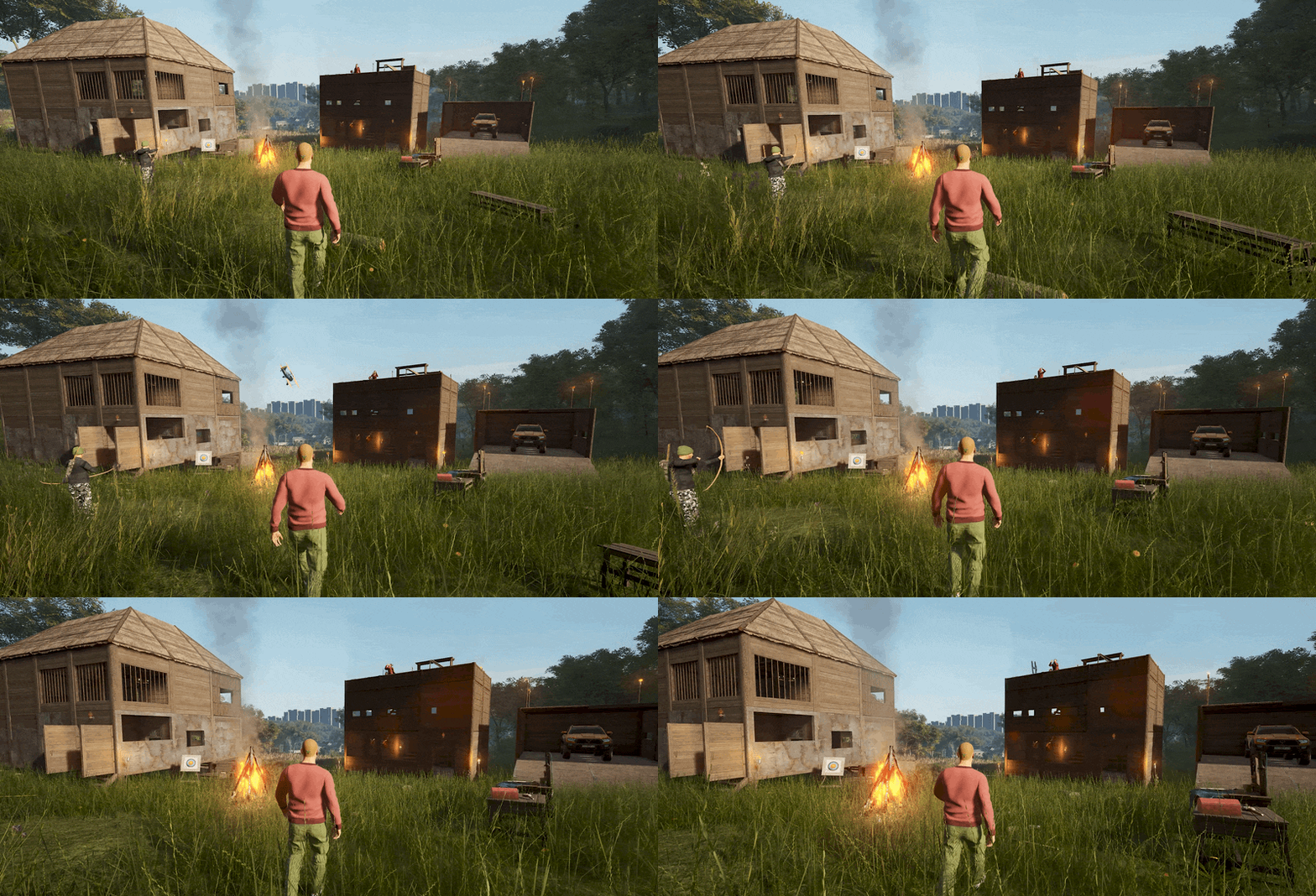
- Base Floors: Grass should now stay cleared beneath your foundations more reliably, including after leaving the area and returning. We’ve fixed a variety of cases where it could reappear or fail to clear.
- Harvesting: Fully grown garden plants should now harvest consistently, addressing cases where completing the Search interaction gave no result.
- Animal Collisions: Collisions with chickens and rabbits no longer launch you and your wheelbarrow into the air.
We’ve also addressed Abandoned Bunker lockers becoming locked again without replenishing their loot. See the full list below. See the full list at the end of the update.

The server merges and character transfers announced in the preview are now complete, alongside the partial wipe across official servers.
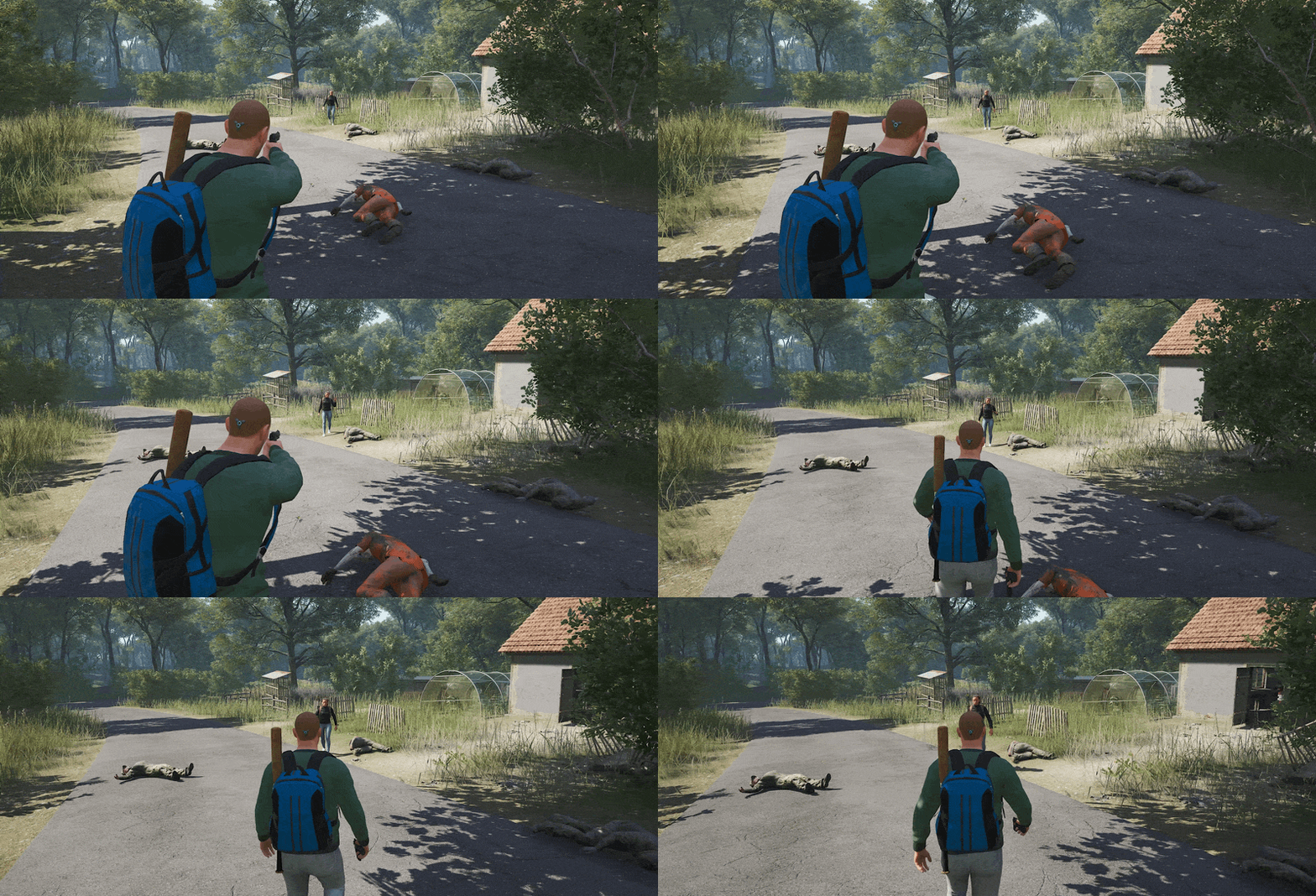
We know rebuilding after a wipe takes time, and leaving a familiar server can be difficult, especially for those who called the official Hardcore servers home. Thank you for taking the time to prepare for these changes.
- Retained characters kept their attributes, skills and gold. Bases, gear, supplies, Fame Points and quest progression have been reset.
- Only one character was retained per merged server group. Gold and progression from other characters were not combined.
- Official Hardcore servers have been retired. Retained characters now use their destination server’s rules and camera settings.
- Monthly Wipe #1 – Europe and Monthly Wipe #1 – US East closed without character transfers.
Check the updated server list and migration details for your destination server and connection address. Community server owners can also find the former official Hardcore settings there if they’d like to run a Hardcore server of their own.
The temporary Awareness and Archery XP boosts have ended. Both skills have returned to their normal XP rates; progress earned on your retained character stays.
If you have a migration or connection problem, contact SCUM Support with your Steam ID, original server, destination server and a description of the issue. Reporting a missing character does not guarantee it can be restored.


CRASHES & CONNECTIVITY
- Fixed an issue where launching the game without an internet connection prevented access to existing Sandbox characters, and creating a new character offline could cause a crash when interacting with customization settings.
BASE BUILDING
- Fixed an issue where grass removed by base building elements could reappear or shift position after players left render distance and returned, and newly placed foundations could fail to remove the grass beneath them.
- Fixed an issue where exiting base building blueprint placement could prevent the camera from following mouse movement until the player interacted with an object or relogged.
- Fixed an issue where destroyed turrets continued to count toward the ‘Turrets start decaying if flag area has more than’ server setting limit in multiplayer.
VEHICLES
- Fixed an issue where collisions with chickens and rabbits could launch a wheelbarrow and its driver into the air.
- Fixed an issue where collisions between certain vehicle types, including boats and land vehicles, failed to apply damage to either vehicle.
- Fixed an issue where interacting with a vehicle at the same time as another player could teleport one of the players to a random location.
- Fixed an issue where purchased Barba Motorboats were not locked by default.
- Fixed an issue where vehicle engine idle sounds could be heard from excessive distances.
- Fixed an issue where players could not check the time while inside a vehicle.
- Fixed an issue where the overencumbered indicator could disappear and reappear inconsistently while driving a Wheelbarrow.
- Fixed an issue where passengers briefly appeared seated on the ground before moving into the correct position when entering a Wheelbarrow in multiplayer.
- Fixed an issue where the first-person camera shook after stopping the Improvised Wheelbarrow or Metal Wheelbarrow.
BUNKERS
- Fixed an issue where armory lockers in Abandoned Bunkers could become locked again without replenishing their loot after players moved away from the bunker and returned.
--This issue can still occur when using God Mode-- - Fixed an issue where players could pass through the ceiling in Abandoned Bunkers.
INTERACTIONS & MOVEMENT
- Fixed an exploit in single-player that allowed players to bypass the container search timer by pausing and canceling a search, causing the container’s inventory to open instantly on the next interaction.
- Fixed an issue where fully grown garden plants couldn’t be harvested after completing the Search interaction.
- Fixed an issue where fruit and vegetables remained visible on garden plants after being harvested using the Search action.
- Fixed an issue where searching containers caused a delay before their contents or the “No items found” message appeared.
- Fixed an issue where jumping or entering the prone position could be briefly delayed after crouching or standing up from a crouch.
- Fixed an issue where jumping in place could break the jump animation.
- Fixed an issue where thrown bird corpses could fly in a straight line before abruptly stopping on the ground.
WEAPONS
- Fixed an issue where the DT11B fired the same ammunition type from both barrels when loaded with two different ammunition types.
- Fixed an issue where the holstered AWP appeared to have a magazine inserted when none was equipped.
- Fixed an issue where the AK-15 rubber stock absorber was positioned too high and misaligned with the stock.
- Fixed an issue where bullet impact effects appeared on broken windows even when projectiles passed through.
- Fixed an issue where bullets could not pass through large open gaps in the metal structures supporting overhead railway power lines.
- Fixed an issue where players could not fire weapons inside the Zelena Milja disco.
FISHING
- Fixed an issue where pulling a fish ashore while walking backward could break the fishing line while leaving the hook attached without durability loss, and could sometimes cause the float to disappear.
- Fixed an issue where fish could become stuck underground when fishing from elevated riverbanks.
- Fixed an issue where fishing items in quick access did not consistently equip as attachments to the rod held in the player’s hands.
- Fixed an issue where swapping fishing reels caused the swapped reel to appear in its original equipped position.
WORLD & QUESTS
- Fixed an issue where players could become stuck in an endless falling animation between the hangar and supply crate near the bunker in sector D0.
- Fixed an issue where an invisible wall blocked the space between the road and sidewalk at a location in Prkno.
- Fixed an issue where the interior of a house in Prkno became completely dark after players re-entered it.
- Fixed an issue where ground textures protruded unnaturally into the air in sector B3.
- Fixed an issue where a bush grew in the middle of the road between sectors B2 and C2.
- Fixed an issue where animal ragdolls fell in slow motion after death.
- Fixed an issue where animals yielded excessive quantities of guts. Each animal now yields one guts item.
- Fixed an issue where two vehicle spawn points in sector Z0 were too close together.
- Fixed an issue where a stretched black and gray texture appeared beside concrete steps and did not match the surrounding surfaces.
- Fixed an issue where a bush was misplaced on the road in the far north of sector B2.
CHARACTERS & UI
- Fixed an issue where wearing High Heel Boots with Short Pants caused the character’s legs to become invisible.
- Fixed an issue where wearing High Heel Boots with Improvised Ghillie Pants caused the character’s legs to become invisible.
- Fixed an issue where wearing Short Pants with Stockings caused the character’s thighs to become invisible.
- Fixed an issue where all sock types clipped through certain footwear on female characters.
- Fixed an issue where Luis Moncada’s jaw and teeth clipped through his lips.
- Fixed an issue where the Raincoat hood and the character’s hair disappeared when wearing the Shemagh Scarf.
- Fixed an issue where the lower body appeared distorted on female characters wearing the Shimoro Vest with the Qipao Dress.
- Fixed an issue where certain Boots variants were not waterproof as intended.
- Fixed an issue where the Woodland Poncho appeared at the bottom of the equipped gear list instead of in its correct inventory slot.
- Fixed an issue where censorship underwear clipped through the Leather Mini Skirt.
- Fixed an issue where special characters could be used in names that did not display correctly in-game.
- Fixed an issue where crafted items did not appear in the Favorites and Recents tabs within the Items and Base Building sections of the Crafting Menu.
- Fixed an issue where character gear appeared orange in Brawl and MMA events.
ADMIN COMMANDS & SERVER SETTINGS
- Fixed an issue where the #setfakename command updated the displayed name only for the player using it, while other players continued to see the previous name.
- Fixed an issue where the #VisualizeVehicleTrajectory command did not work correctly.
- Fixed an issue where moving the default spawner preset to the override configuration prevented items from taking damage when force-opened.
- Fixed an issue where the Sentry, Attack Sentry and Dropship Damage Multiplier server settings did not correctly affect damage dealt by these NPCs in Sandbox and multiplayer modes.
- Fixed an issue where the Wall Weapon Rack server setting descriptions displayed incorrect default values.
- Fixed an issue where the ‘Enable BCU Locking’ setting took effect immediately instead of waiting for a server restart.

The Tattoo System, controller support and Photo Mode for all players are coming in a separate update following this Halloween release. Photo Mode will move from Supporter Pack 2 into the base game, with replacement tattoo content for existing pack owners.
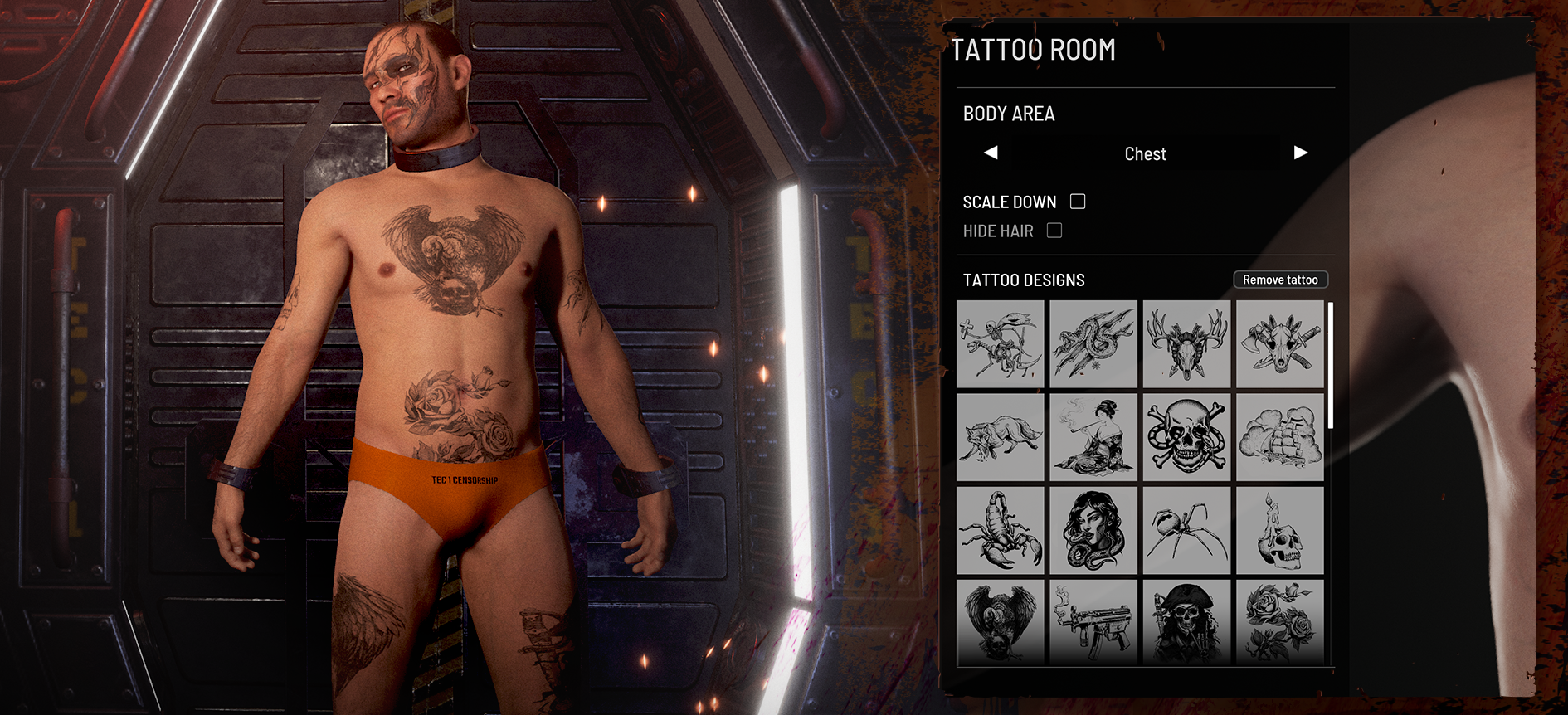 We’ll share more on those features and the release timing in the next preview. Work on our next season also continues, alongside preparations for Survivalist testing.
As confirmed in the preview, there will be no further official-server wipes in 2026.
Until then, the trader has a job waiting. See you on the Island.
Stay alive. Stay dangerous.
SCUM.SK view
SCUM.SK commentary
Short summary
Update 1.3.5.0.172191 brings SCUM’s Halloween event online, built around a General Goods trader quest, decorated graveyards, a midnight ritual and seasonal base decorations. The update also includes practical fixes and a partial wipe only for official servers.
What changed
What it means for players
Impact on SCUM.SK
For the SCUM.SK community, the biggest relevance is coordination: official-server players need to rebuild after the partial wipe, while private and community servers are explicitly unaffected by that official wipe. Server communities can focus on organizing Halloween quest runs, sharing graveyard/ritual timing information and clarifying wipe status for their players without assuming any extra server-side changes beyond what the article states.
FAQ
Does the Halloween update wipe all SCUM servers?
No. The article states that the partial wipe applies to official servers, while private and community servers are unaffected.
What stays on official servers after the partial wipe?
Retained characters keep their attributes, skills and gold. Bases, gear, supplies, Fame Points, quest progress and cash were reset.
How do I start the Halloween quest?
Visit any General Goods trader, then follow the quest toward the decorated graveyards and catacombs.
When can the ritual be performed?
The ritual can be performed between 00:00 and 04:00 in-game time.
Related on SCUM.SK